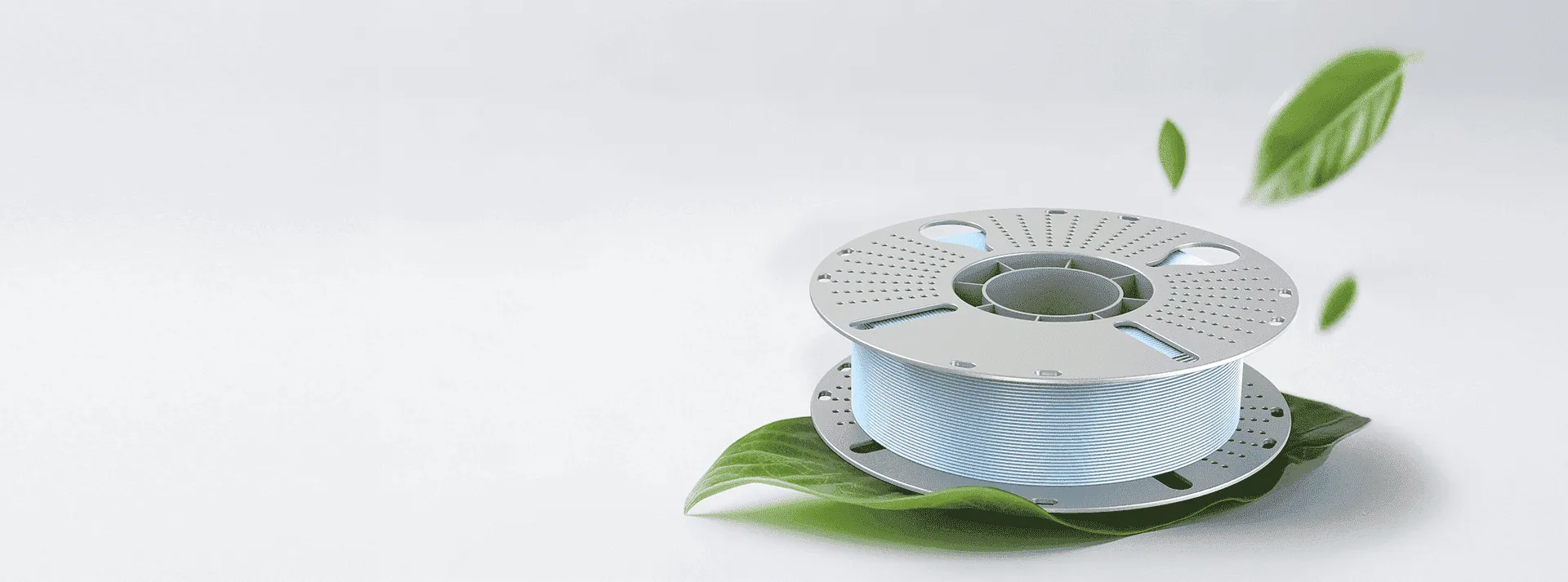
When selecting the best 3D printer PLA filament, print quality depends on more than the filament itself. The printer, nozzle temperature, print speed, build plate, and filament condition all influence the final result. PLA remains a practical choice for many FDM 3D printing applications because it offers low shrinkage, stable dimensions, broad compatibility, and relatively simple printing requirements.
For users who want clean surfaces, accurate details, and dependable results, matching the filament with the printer is an important part of the setup process. WonderMaker 3D provides PLA designed for broad compatibility, with recommended nozzle temperatures of 190°C to 230°C, bed temperatures of 0°C to 60°C, and printing speeds of 50 to 200 mm/s.
Why PLA Remains a Practical Filament Choice
PLA is widely used for prototypes, models, educational projects, decorative objects, and everyday creative work. One reason is its relatively low tendency to warp during cooling. This helps printed parts maintain their shape and supports detailed models with more predictable dimensions.
PLA is also suitable for users who do not want complicated printing conditions. Compared with materials that require higher temperatures or controlled printing environments, standard PLA can generally be printed without an enclosure. However, the exact settings still depend on the filament formulation and the printer.
This makes PLA particularly useful for users who want a balance between print quality, ease of use, and material cost.
What to Check When Matching PLA With a 3D Printer
The first factor to check is nozzle temperature. Different PLA products can require different temperature ranges depending on their formulation and the printer’s extrusion system. WonderMaker 3D PLA recommends a nozzle range of 190°C to 230°C, giving users room to adjust extrusion according to print speed and model requirements.
Print speed is another important consideration. Faster printing requires the hotend to melt and deliver filament efficiently. If the temperature is too low for the selected speed, users may notice inconsistent extrusion, weak layers, or rough surfaces. A slower speed can often improve detail reproduction when printing complex models.
The build plate should also be considered. WonderMaker 3D lists a bed temperature range of 0°C to 60°C for its PLA, allowing the printer profile to be adjusted according to the build surface and first layer requirements.
How Filament Quality Affects Print Results
Even a capable 3D printer can produce inconsistent results when the filament is poorly stored or unsuitable for the intended application. Filament should remain evenly wound and protected from excessive moisture and contamination.
PLA is less moisture sensitive than materials such as nylon, but moisture can still affect extrusion quality under certain conditions. Signs can include popping sounds, stringing, rough surfaces, or inconsistent extrusion. Proper storage in a sealed container with desiccant can help maintain stable filament condition.
Users should also consider whether the filament is standard PLA or a specialty PLA formulation. Matte, silk, dual color, and rainbow PLA may have different flow characteristics even when their basic temperature ranges are similar. WonderMaker 3D, for example, offers standard PLA as well as PLA Matte, Silk, Silk Dual Color, and Silk Rainbow options.
Choosing PLA for Different Printing Needs
The best 3D printer PLA filament depends on what the finished model needs to look and feel like.
For prototypes and general models, standard PLA is a straightforward option because of its dimensional stability and broad FDM printer compatibility.
For decorative models where surface appearance matters, PLA Matte can reduce the visual prominence of layer lines and provide a low gloss finish. WonderMaker 3D PLA Matte is designed for smooth visual results and easier support removal, making it suitable for detailed creative projects.
For display pieces, Silk PLA can provide a smooth satin appearance, while dual color and rainbow variants create changing color effects without requiring users to paint the finished model.
Common PLA Printing Problems and Adjustments
Stringing, poor first layer adhesion, rough surfaces, and weak layer bonding are common concerns when printing with PLA. Before changing multiple settings at once, users should check the basic variables.
Start by confirming the nozzle temperature is appropriate for the filament. If extrusion appears inconsistent, test a different temperature within the manufacturer’s recommended range. Next, check the print speed and first layer settings. Excessive speed can make it harder for the hotend to maintain consistent material flow.
Filament condition should also be checked before making major printer adjustments. If the spool has been exposed to humidity for an extended period, drying or replacing it may help determine whether moisture is contributing to the problem.
A Practical Approach to Selecting PLA
When comparing PLA products, users should look beyond color and price. Check the recommended temperature range, compatible printer type, suggested speed, surface characteristics, and storage requirements. These details provide a better indication of whether the filament will suit a particular workflow.
For users working with WonderMaker 3D printers, the company’s material range provides several PLA-based choices for different visual requirements. Its standard PLA is designed for broad compatibility, while specialty options allow users to select different surface finishes and color effects.
The best 3D printer PLA filament is ultimately the one that matches the printer’s capabilities, the model’s requirements, and the user’s preferred printing conditions. By checking temperature, speed, bed settings, filament condition, and finish before printing, users can build a more reliable workflow and achieve more consistent results. WonderMaker 3D’s PLA range offers a practical starting point for users looking for stable, accessible materials across everyday and creative 3D printing projects.